
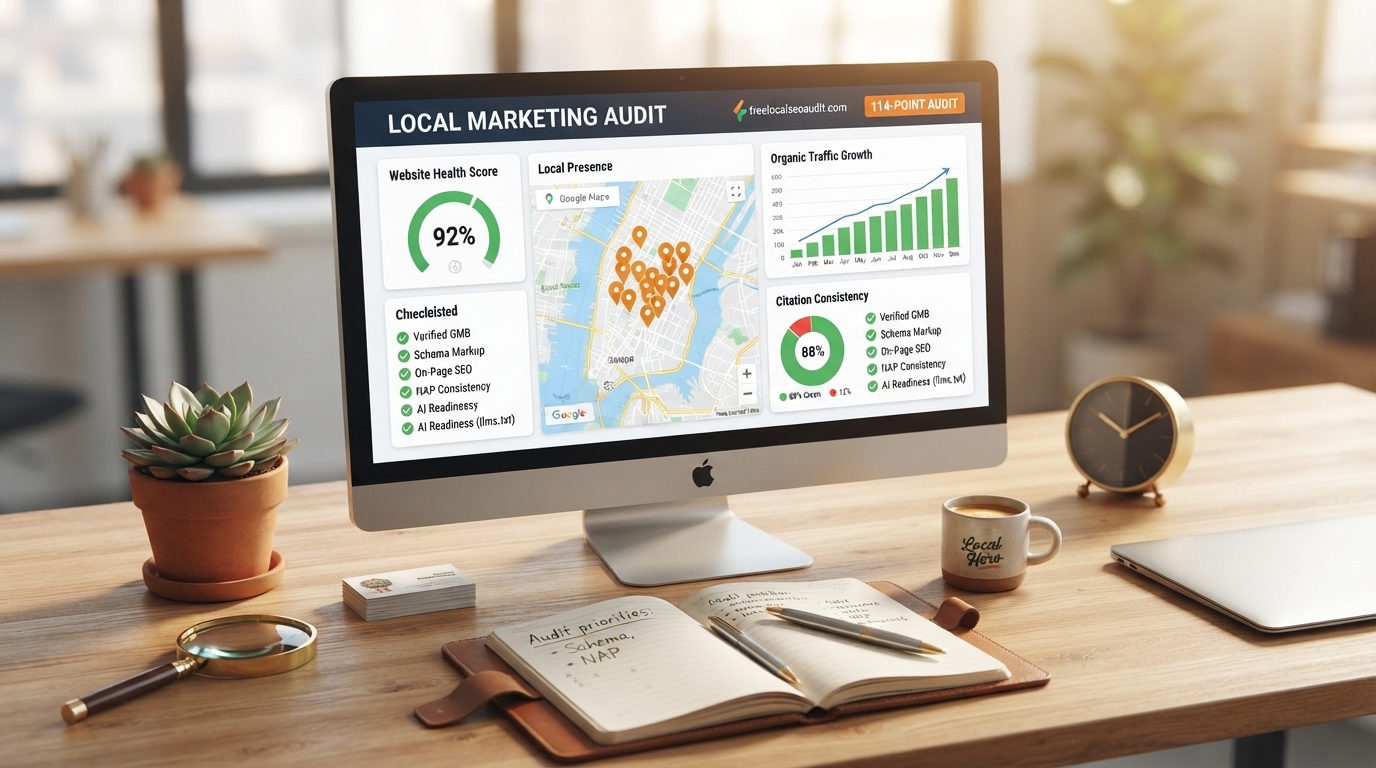
When nearby customers search for a service you offer, small technical or local gaps on your website can quietly cost you phone calls, bookings, and foot traffic. Running a structured local marketing audit shows you exactly how search engines, maps, and AI assistants see your business—and what to fix first for measurable results.
Whether you are auditing your own business website or reviewing a client’s local presence before launching a campaign, this guide breaks down every core area your local marketing audit should cover.
What Is a Local Marketing Audit?
A local marketing audit is a comprehensive health check of your website and local digital footprint to evaluate how easily nearby customers can find, trust, and contact your business. Unlike a generic site review, it focuses on geographic relevance, technical crawlability, structured local data, and conversion readiness on mobile devices.
7 Essential Steps in a Local Marketing Audit
1. Audit On-Page Local SEO Fundamentals
Search engines rely on clear on-page signals to understand what you offer and where you operate. Check that every key service and location page includes:
- A unique, well-sized title tag and meta description featuring your core service and target city.
- A single, descriptive H1 heading supported by clean H2 subheadings.
- Natural internal links connecting service pages, location pages, and contact details without broken links.
2. Verify NAP Consistency & Local Conversion Signals
If visitors land on your site ready to call, don't make them hunt for basic details. Confirm that your page displays:
- Consistent Name, Address, and Phone number (NAP) matching your Google Business Profile and major local directories.
- A click-to-call phone link for mobile searchers.
- An embedded Google Map or directions link, opening hours, and clear service areas.
3. Inspect LocalBusiness Schema & Structured Data
Structured data helps search engines verify your business details without guesswork. Your audit should verify:
- Valid JSON-LD structured data with zero syntax errors.
- Accurate
LocalBusinessschema (or a specific subtype such asDentist,Plumber, orLegalService) containing your business name, address, phone number, and opening hours.
4. Check Technical SEO & Security Basics
Technical issues can block search engines from indexing your best pages. Review:
- HTTPS encryption with proper
http → httpsandwww / non-wwwredirects. - A valid
robots.txtfile, an up-to-datesitemap.xml, and clean canonical tags. - Security headers such as HSTS, X-Content-Type-Options, and clickjacking protection.
5. Test Mobile Speed & Core Web Vitals
Most local searches happen on smartphones. Slow load times or shifting layouts push impatient visitors straight back to the search results. Measure:
- Largest Contentful Paint (LCP), Interaction to Next Paint (INP), and Cumulative Layout Shift (CLS).
- Image optimization (modern formats like WebP/AVIF, proper sizing, lazy loading, and descriptive alt text).
- Render-blocking JavaScript/CSS and tap-target accessibility on small screens.
6. Evaluate AI Search & Answer Engine Visibility
Customers increasingly discover local businesses through Google AI Overviews and AI search tools. Modern local marketing audits check:
- Whether AI crawlers (such as
OAI-SearchBotandPerplexityBot) are allowed inrobots.txt. - Presence of an
llms.txtfile to help AI systems understand your site structure. - Question-style headings, clear FAQ sections, and visible published/updated dates.
7. Review Your Google Business Profile & Reputation
Alongside your website audit, review your off-site local signals:
- Primary and secondary Google Business Profile categories, business description, and recent photos.
- Review velocity, average star rating, and consistent responses to customer feedback.
How to Run a Free Local Marketing Audit in Under 10 Seconds
Manually checking dozens of technical, schema, speed, and AI visibility signals across multiple tools takes hours. You can automate the heavy lifting in seconds using the Free Local SEO Audit tool.
Simply enter your website URL—no account, credit card, or signup required—to run 114+ instant checks across 12 categories, including:
- Meta tags, headings, and indexing signals
- Technical SEO and security headers
LocalBusinessJSON-LD structured data- Local SEO signals (NAP, click-to-call, maps, city targeting)
- Core Web Vitals, accessibility, and AI search visibility (
llms.txt& AI crawlers)
What to Fix First After Your Audit
Once you have your pass/fail report, prioritize changes in this order for the fastest impact:
- Fix critical on-page gaps: Update missing or duplicate title tags, meta descriptions, and H1 headings with your service and location.
- Add or repair
LocalBusinessschema: Ensure search engines can read your exact NAP and hours in JSON-LD. - Make contact effortless: Add plain-text NAP details and a working click-to-call button above the fold or in your header/footer.
- Re-audit after updates: Run a fresh check on freelocalseoaudit.com whenever you edit templates, plugins, or content to catch regressions early.
Final Thoughts
A consistent local marketing audit keeps your website fast, accurate, and visible wherever local customers search—from traditional Google listings and Maps to AI-powered answers. Run your free audit today, fix the highest-impact gaps first, and turn more local searches into real leads.