
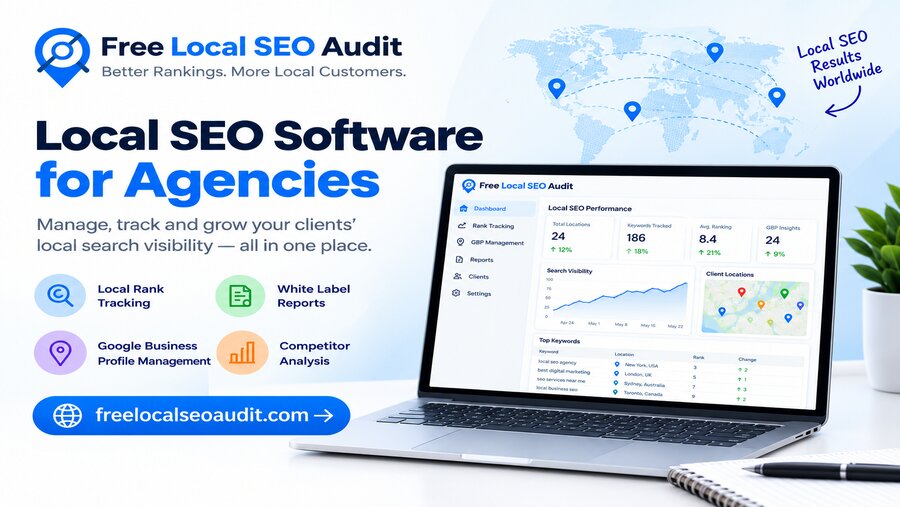
The right local SEO software for agencies is the one that matches your client mix, scales with your client count, and turns your work into reports clients actually understand. Flashy features matter far less than those three things.
I learned this while helping a small agency that was juggling a dozen local clients. They had one tool for audits, another for rank tracking, a third for listings, and a spreadsheet tying it all together. Every month, reporting took days. The problem wasn't a lack of tools; it was having the wrong ones for how they actually worked.
Here's a simple step-by-step way to choose local SEO software for your agency.
List What Your Clients Actually Need
Start with your clients, not the software. Write down the local SEO services you sell, such as website audits, Google Business Profile optimization, rank tracking, citation building, review management, and reporting. Then mark which ones you deliver most often. That list becomes your shopping list.
Check the Core Local SEO Features
Most agency work comes down to a handful of jobs. Make sure the software handles the ones you use most:
- Website audits that check local signals like NAP details, LocalBusiness schema, and city-targeted titles.
- Local rank tracking, ideally with map or grid views across a client's service area.
- Google Business Profile insights such as calls, direction requests, and search terms.
- Citation and listing management to keep name, address, and phone consistent.
- Review monitoring across the platforms your clients care about.
- Competitor comparisons to show clients why others outrank them.
Make Sure It Scales
Check how pricing and limits change as you grow. Some tools charge per location, others per keyword or per user. A tool that's cheap for five clients can become expensive at fifty. Look for multi-client dashboards, team access, and bulk actions.
Look Hard at Reporting
For agencies, reporting is often what clients see most. Look for white-label or branded reports, scheduled email reports, and clear visuals that a business owner can understand at a glance.
Compare the True Cost
Add up the subscription, extra locations, extra users, and any add-ons. Then compare that against how much time the tool saves your team each month. The cheapest tool isn't always the best value.
Test Before You Commit
Use free trials and free tools to test the software on a real client account. Check how accurate the data is, how quickly you can build a report, and how easy it is for your team to use.
Quick Feature Checklist
| Feature | Must-have | Nice-to-have |
|---|---|---|
| Local website audit | ✔ | |
| Local rank tracking | ✔ | |
| Multi-client dashboard | ✔ | |
| Branded or white-label reports | ✔ | |
| Competitor comparison | ✔ | |
| Google Business Profile insights | ✔ | |
| Citation and listing management | ✔ | |
| Review monitoring | ✔ | |
| AI search visibility checks | ✔ | |
| Integrations and API access | ✔ |
AI search visibility is moving up the list quickly. More people now ask AI tools for local recommendations, so it's worth checking whether your clients' sites can be read and quoted by them.
Where Free Local SEO Audit Fits In
Even with a paid platform, most agencies need a fast, no-cost way to audit a website, especially for prospecting and quick client check-ups. That's where Free Local SEO Audit earns its place.
Paste in any URL and in under 10 seconds you get a local SEO score with a pass or fail for every check. There's no sign-up and no credit card, so you can audit a prospect's site during a sales call.
It runs 48+ checks across 9 categories, including:
- Local signals: phone number, click-to-call, address, Google Maps link, opening hours, and the city in the title and H1.
- LocalBusiness schema: whether the name, address, and phone are in the structured data.
- Technical and on-page SEO: titles, meta descriptions, headings, HTTPS, mobile setup, robots.txt, and sitemap.
- AI search visibility: whether AI crawlers are allowed and pages can be quoted in AI answers.
For agencies, the most useful extras are the free SEO comparison tool for side-by-side competitor checks, and the schema checker and SERP preview tool for quick fixes.
Here's how I'd use it in an agency workflow:
- Prospecting: audit a prospect's homepage and show them their failed checks.
- Onboarding: run a baseline audit on each key page of a new client.
- Quick wins: fix the failed checks first, starting with titles and LocalBusiness schema.
- Proof of progress: re-run the audit after fixes to show clients a better score.
It audits one page at a time and doesn't track rankings or Google Business Profile data, so it works best alongside your main platform rather than replacing it.
Mistakes to Avoid
- Buying for features you'll never use. Pay for what your clients need today, not every possible add-on.
- Ignoring how pricing scales. Per-location fees add up fast as you sign more clients.
- Skipping the trial. Always test on a real client before committing to an annual plan.
- Overlooking reports. If a report confuses clients, it creates extra calls for your team.
- Using too many disconnected tools. Fewer, well-chosen tools beat a pile of logins and spreadsheets.
Final Thoughts
The right local SEO software for agencies fits your services, scales with your client list, and makes reporting easy, so test it on real clients before you commit. For fast, free website audits you can run on any prospect or client, start with Free Local SEO Audit: 48+ checks in seconds, no signup needed.